Chrome extension for video calls

Touch your head. Turn to dust.

Vanish Cam breaks you into drifting particles on your live camera and leaves only the empty room behind. Touch again and you rebuild.

Free. Chrome, Edge and Brave. Chrome Web Store listing coming soon.
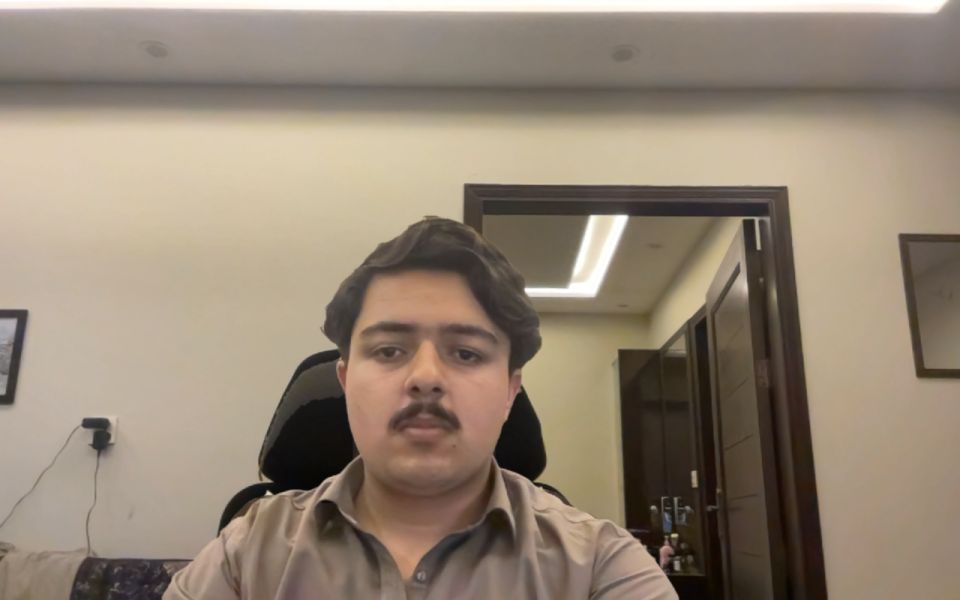
A person on a webcam call disintegrating into dust in front of an empty room
Camera
0.0 s

Three steps, one gesture

The effect runs on your own camera feed, so the people in your call see exactly what you see.

  1. Join your call

    Open Google Meet, Zoom, Teams, Discord, Jitsi or Whereby in Chrome and turn your camera on.

  2. Record the empty room

    Click Record empty room in the extension. You get 3 s to step out, then it records 3 s of the room without you.

  3. Touch your head

    Sit back down and touch the top of your head. You dissolve into dust in about four seconds. Touch again to reassemble.

Works where you meet

No virtual camera, no OBS. It plugs straight into the camera of these sites.

Best results: a steady camera, unchanged lighting after recording the room, and the record step done in the call preview before others join, since the countdown text is visible on your video.

Your video stays on your computer

Body tracking and the dust effect run inside your browser with an on-device model. Nothing is uploaded.

Read the privacy policy

Install it today

Until the Chrome Web Store listing is live, install it in developer mode. It takes about a minute.

Download extension (.zip)
  1. Download the zip and unzip it into a folder you will keep.
  2. Open chrome://extensions and switch on Developer mode (top right).
  3. Click Load unpacked and choose the unzipped folder.
  4. Pin Vanish Cam from the puzzle-piece menu, then open your meeting and reload the tab.